
01THE HUNGRY ONE
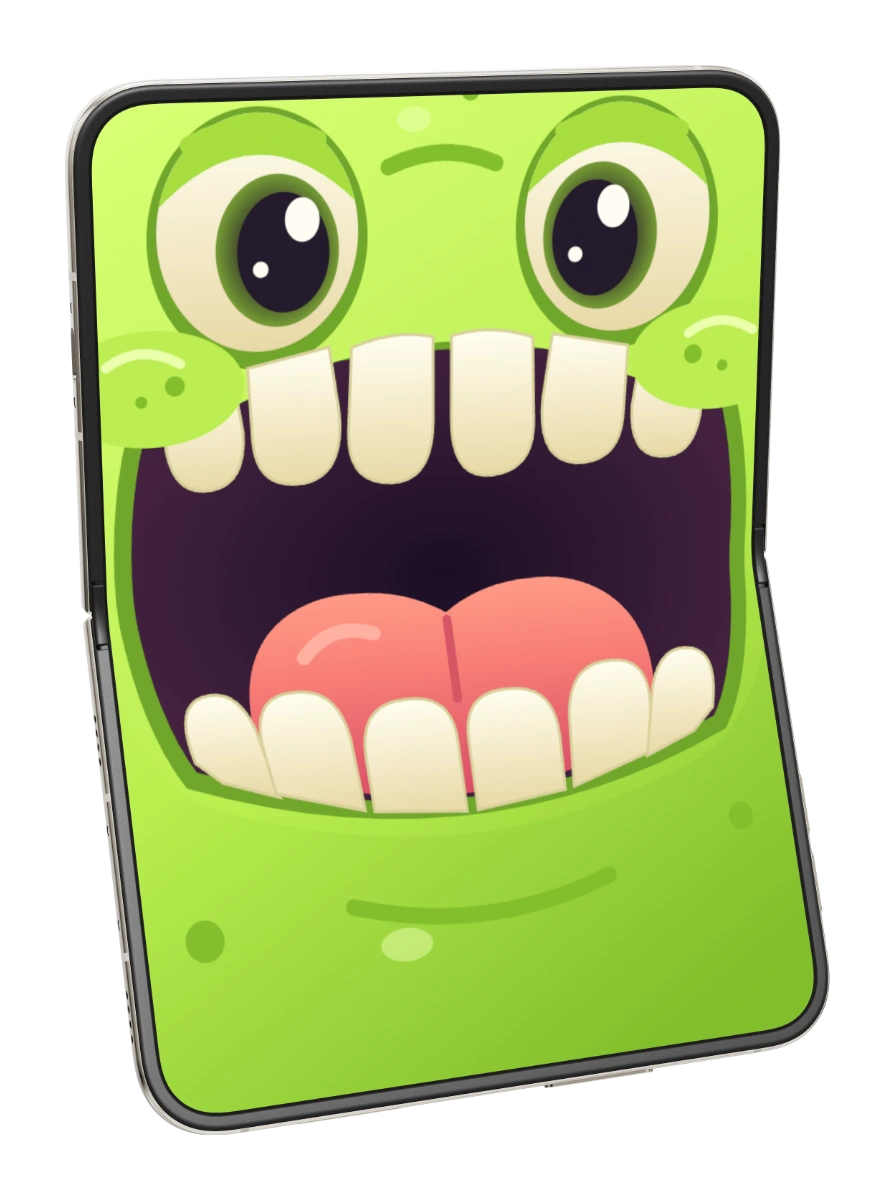
Chops
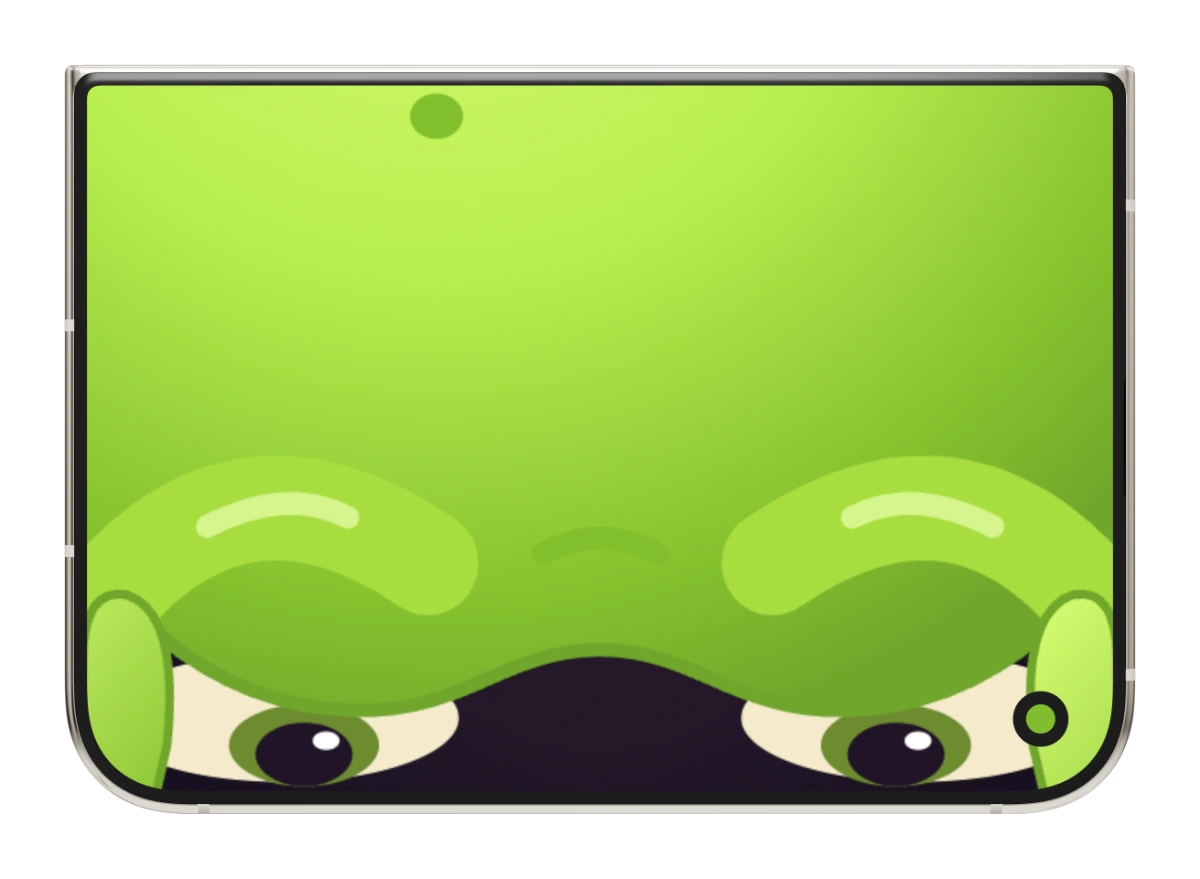
Big teeth. Bigger appetite. Pick a snack, open wide, and close for a bite. Chili gets a rather different reaction.
Feed Chops foldies
Let’s play
foldies
Let’s play
Online fidget toys. Made for the fold.
Play fidget games online with Foldies: virtual fidget toys for a little everyday play. Feed a monster, squish soft gel, open a paper garden, or lift the lid on a tiny record player. Find your favorite in the free browser demos.
Start with Chops. No download needed.
Or send someone a little garden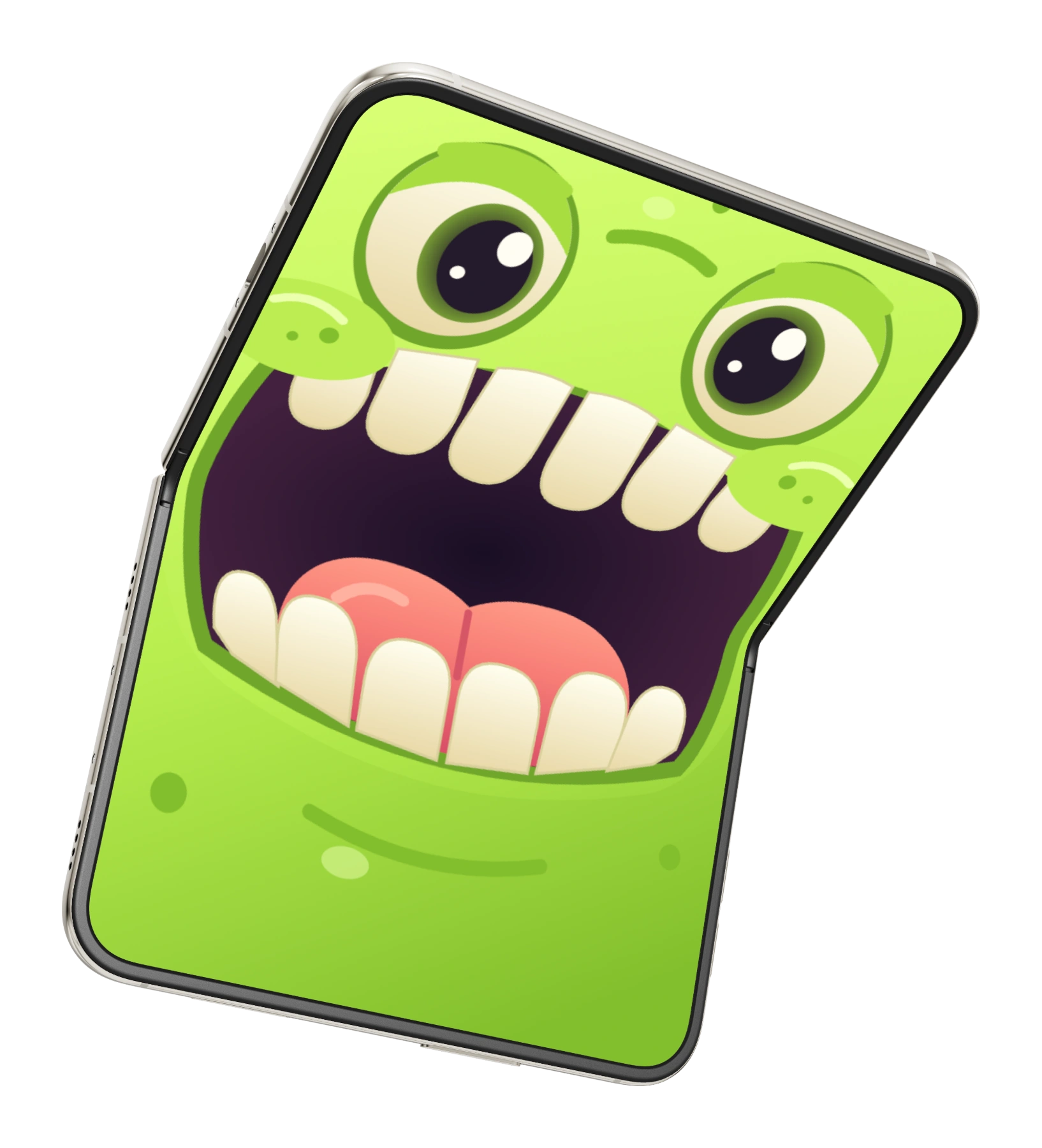
Meet Chops.
Always room for one more snack.
Pick your little obsession
A snack break, a squish break,
or a tiny flight of fancy?
There’s a Foldie for that.
Big teeth. Bigger appetite. Pick a snack, open wide, and close for a bite. Chili gets a rather different reaction.
Feed Chops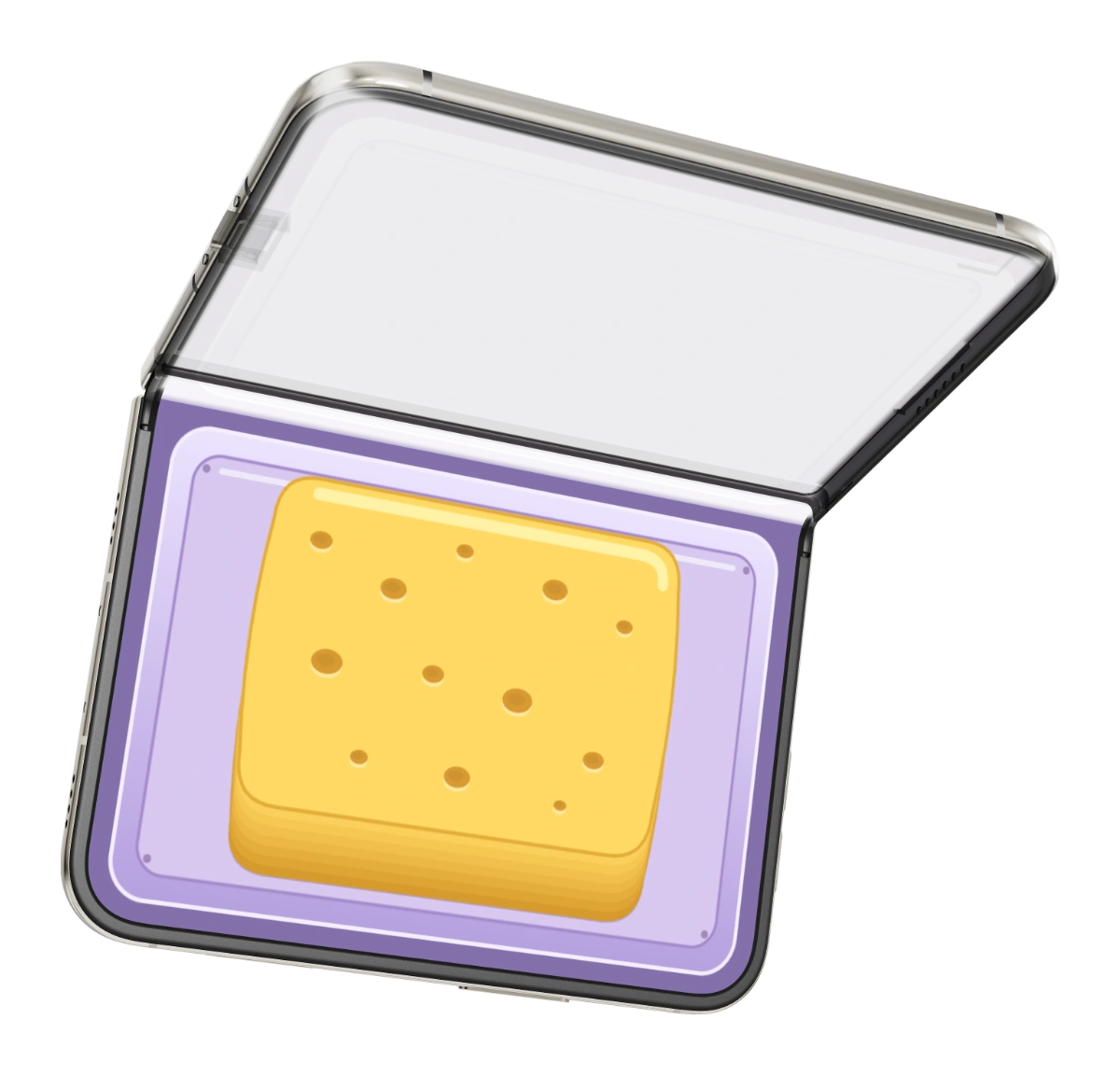
Squish a sponge. Flatten clay. Pop bubble wrap. Squeeze Squishy gel and watch it slowly spring back. Four virtual fidget toys, one little press.
Give it a squish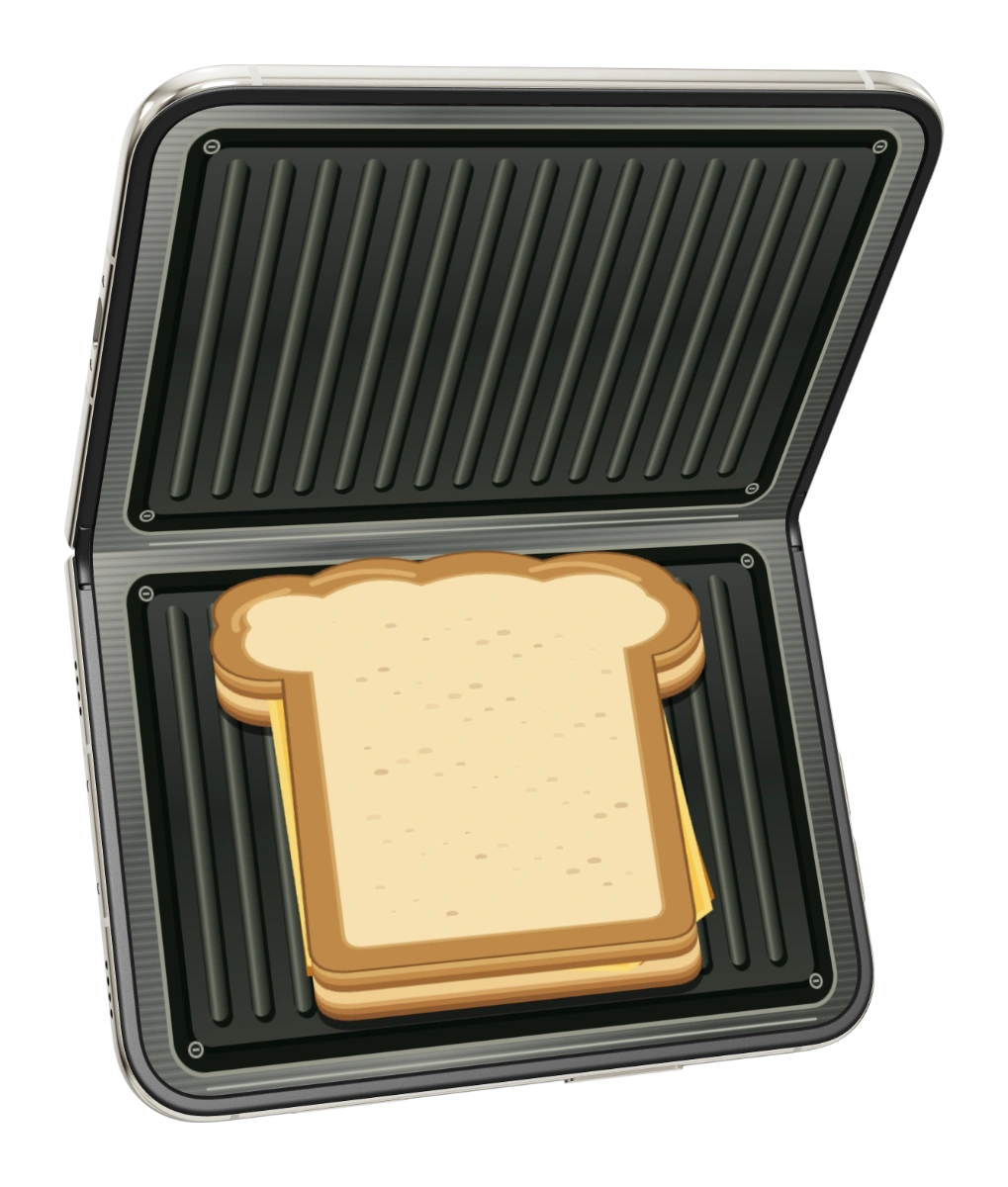
Close. Press. Hold for golden. Open to admire your tiny grilled cheese. Turn on the glass lid for a peek inside.
Grill a sandwichFamiliar objects, with a playful life of their own.
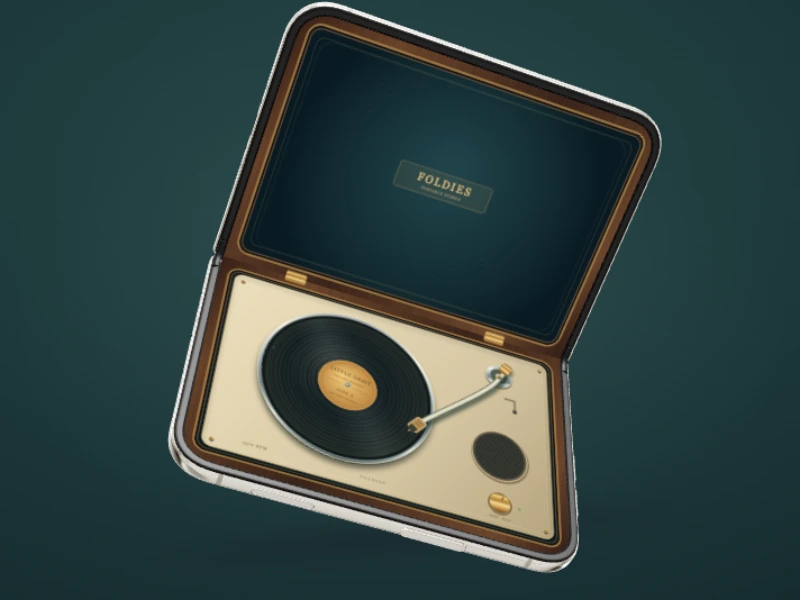
Lift the lid, watch the vinyl turn, and switch on an original little tune. Close it for a quiet moment.
Spin a record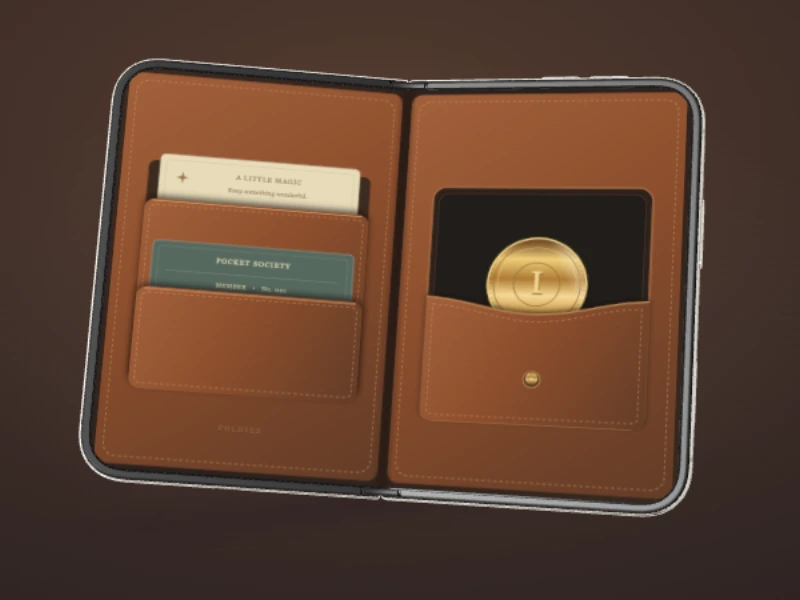
A familiar leather wallet with an unusual coin. Close it completely, then reopen to discover what changed.
Try a little trick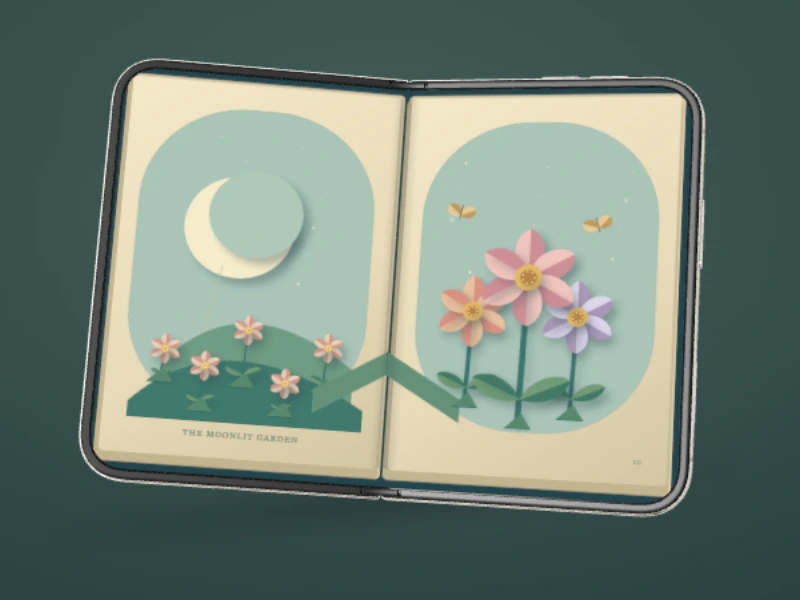
Open the pages and let a paper garden rise. Add a birthday wish, a thank-you, or a little note for someone. They can open it in their browser for free.
Open the garden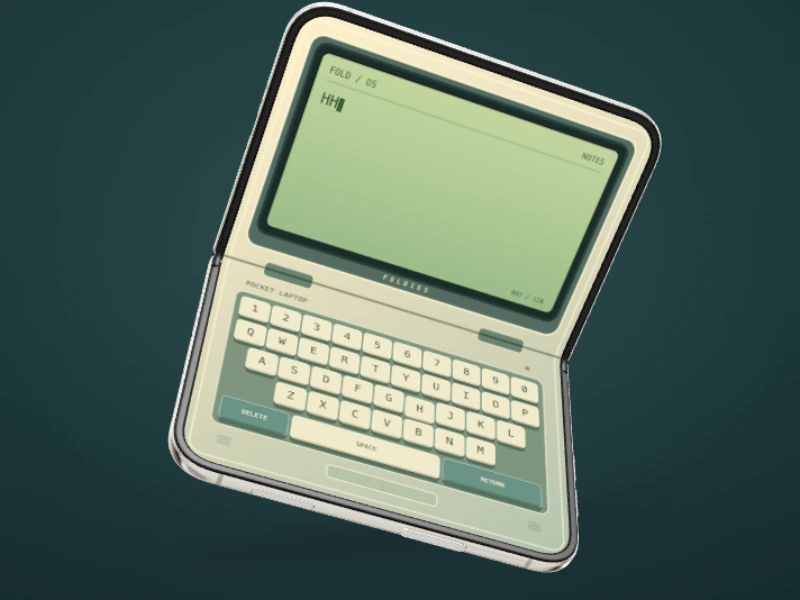
Lift the lid and tap a tiny keyboard. Leave a little note, close to sleep, and open to pick up where you left off.
Tap a tiny keyThese pictures show the playable browser simulation. Every web toy is free to try, with sound off until you turn it on.
A little time to play
One press can pop, squish or flatten.
Here’s what to try in Pocket Press.
Choose Bubble wrap in Pocket Press, then drag to close the press or move its slider. A light press pops some bubbles; a deeper press pops more. Open it again and the popped bubbles stay popped. Reset for a fresh sheet of nine.
Turn sound on for the pops, or leave it off for quiet play.
Play the bubble wrap gameTry the same movement with a different material. Press, hold, then drag up to open and watch what changes.
Made for the fold
What if opening your phone opened a monster’s mouth? Or unfolded a paper garden?
That’s Foldies. Little toys built around the simple joy of opening and closing. The iPhone app brings touch and tilt controls, plus folding on iPhone Duo. Explore the collection in the browser demos.
Foldies is available on the App Store.
A few little answers
No. Play the web demo in a modern browser on your phone or computer, using a drag or the slider. The iPhone app uses touch and tilt controls, and adds folding interaction on iPhone Duo.
Open a toy, then drag on the preview or move its slider to open and close it. In Pocket Press, choose a material before pressing. For Chops, pick a snack and close for a bite. In Toaster, close and hold to brown the sandwich, then reopen for the reveal.
Foldies is available on the App Store. Explore the toys here as browser demos.
All browser demos are free. The first iPhone release includes all seven toys, every Chops snack and all four Pocket Press materials. No in-app purchases or subscriptions.
The browser demo plays an original Foldies tune. The iPhone app also lets you choose compatible audio from Files or songs from your Apple Music library. Library playback depends on the songs and access available on your iPhone.
No account, sign-up, or download is needed to try the web toys. They run in your browser, with sound off until you turn it on.